
The short answer
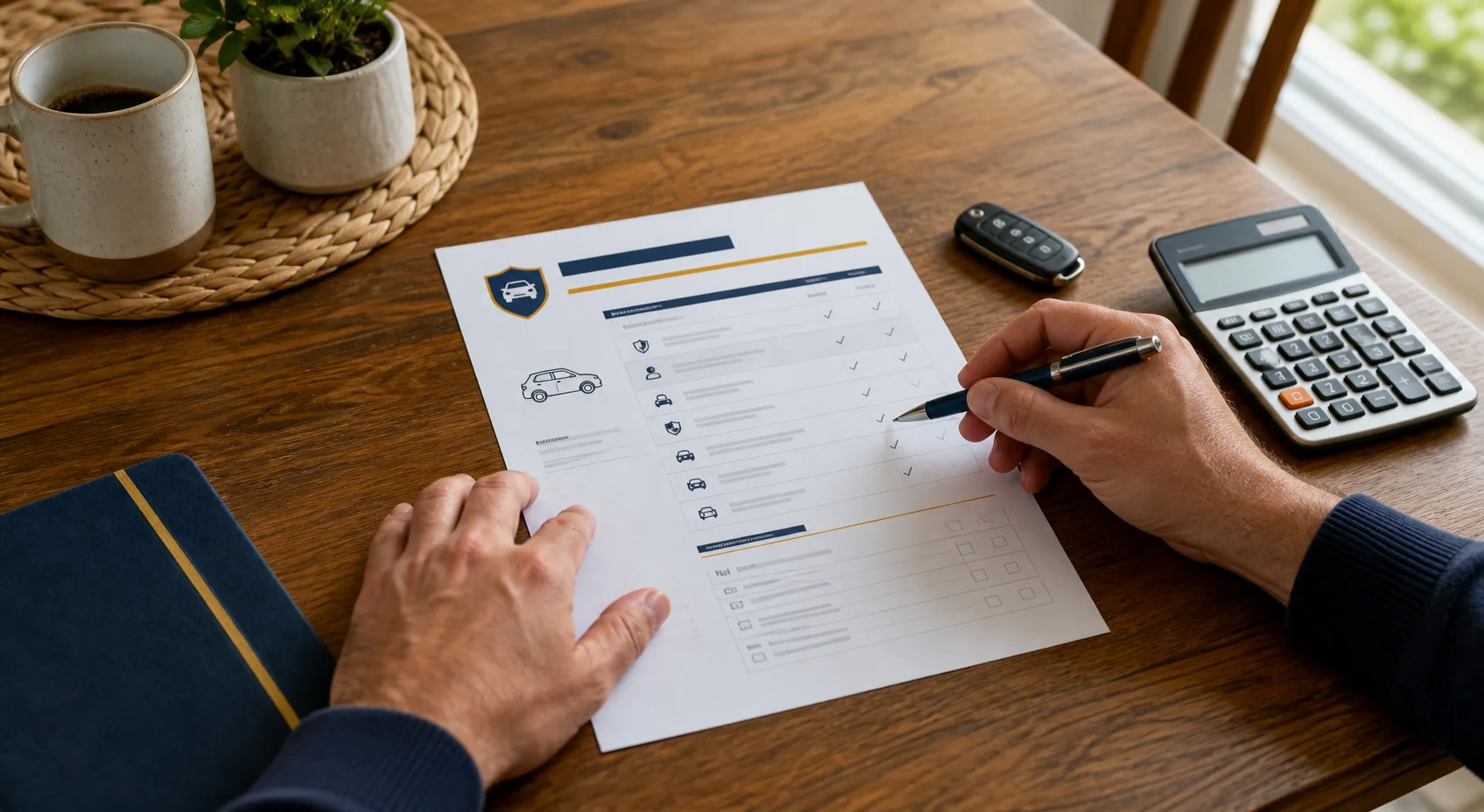
An auto insurance declarations page summarizes who and what the policy covers, the policy dates, each selected coverage and limit, deductibles, discounts, endorsements, and any lender listed on the vehicle. Read it from the identity block down through each vehicle. Mark anything that differs from your application, then ask the insurer to correct or explain it.
Start with the policy identity block
Begin at the top of the page. Confirm the insurance company's full legal name, your policy number, the named insured, the mailing address, and the policy period. The effective date tells you when the term begins. The expiration date tells you when that term ends.
The Texas Department of Insurance says a declarations page shows the policy number, policy period, effective date, drivers, cars, premium, coverages, and deductibles. The California Department of Insurance adds the insurer's legal name, the insured's name and address, coverage types and amounts, and the vehicle identification numbers. Texas Department of Insurance California Department of Insurance glossary
Check the dates before anything else if you recently renewed, replaced a vehicle, or changed insurers. A declarations page from the prior term can look current while showing old limits or vehicles.
| Field | Check | Ask if it is wrong |
|---|---|---|
| Insurance company | Full legal name and contact information | Which company issued this policy? |
| Policy number | Matches your current term | Has a renewal created a new number? |
| Named insured | Names and spelling are correct | Who has policyholder rights and duties? |
| Mailing address | Current address | Does this need a policy change? |
| Effective and expiration dates | Correct term and no gap | When does coverage begin and end? |
Check every named insured, driver, and exclusion
The named insured and the listed drivers are not interchangeable labels. The named insured is the policyholder shown on the contract. A driver list identifies people the insurer used when issuing or rating the policy. Your form may show these fields in separate boxes.
Compare every name with your household and application information. Look for misspellings, an old household member, a new driver who is missing, or a driver assigned to the wrong vehicle. The Texas Department of Insurance includes insured drivers and excluded drivers among the items a declarations page may show. Texas Department of Insurance consumer notice
An excluded driver needs attention. The California Department of Insurance warns that a policy might not cover an accident when an excluded person drives the car. Ask your insurer what the exclusion means under your policy before that person uses a listed vehicle. California Department of Insurance auto guide
Match each vehicle to its VIN and use
Read the vehicle section character by character. Match the year, make, model, and vehicle identification number to the vehicle. A one-character VIN error can tie the declarations page to the wrong vehicle description.
Look for garaging address, annual mileage, commuting or business use, and the driver assigned to the vehicle. Not every company prints each rating detail on the declarations page, but an incorrect detail can still affect the policy. Ask for the application or rating information when the summary does not show enough to verify it.
The NAIC says the declarations page identifies the covered vehicles and lists the lender as the loss payee when a vehicle loan has an outstanding balance. Confirm the lender or leasing company and its address after a refinance, payoff, or lease change. NAIC consumer auto guide
Decode coverage limits one row at a time
Read across each coverage row instead of scanning the premium column. A row may show the coverage name, a limit, a deductible, the vehicle that receives the coverage, and part of the premium.
Liability limits can appear as separate amounts or as split limits. A display such as 100/300/50 often refers to $100,000 of bodily injury liability per person, $300,000 per accident, and $50,000 of property damage liability per accident. Labels and required coverages vary by state, so confirm the meaning with the insurer or your state insurance department.
| Coverage row | Read on the declarations page | Confirm elsewhere if needed |
|---|---|---|
| Bodily injury liability | Per-person and per-accident limits | Who qualifies as an insured and which exclusions apply |
| Property damage liability | Per-accident limit | Covered damage and exclusions |
| Uninsured or underinsured motorist | Selected limit and any rejection indicator | State options, stacking rules, and definitions |
| Medical payments or personal injury protection | Limit, deductible, or selected option | Eligible expenses, time limits, and state rules |
| Comprehensive | Vehicle, limit basis, and deductible | Glass, theft, weather, and other-than-collision terms |
| Collision | Vehicle and deductible | How the policy values and repairs damage |
| Rental, towing, or roadside | Daily, event, or total limit when shown | Waiting periods and service restrictions |
The NAIC sample declarations page labels policy dates, vehicle information, lienholder, coverages, limits, deductibles, discounts, and premium. Use the sample to locate fields on your own form, but rely on your insurer's page and policy wording for your coverage. NAIC sample declarations page
Read deductibles next to the coverage they belong to
A deductible belongs to a specific coverage. Do not assume one number applies to the whole policy. Comprehensive and collision often show separate deductibles for each vehicle. Some forms show a separate glass option or another coverage-specific amount.
The California Department of Insurance defines an auto deductible as the amount the policyholder pays before covered comprehensive or collision benefits become payable. Your policy form controls how the amount applies to a loss. California Department of Insurance glossary
Write each deductible beside its coverage and vehicle. That layout prevents a $500 comprehensive deductible from being mistaken for a $500 collision deductible on another car.
Find endorsements, discounts, surcharges, and the lienholder
Endorsements change policy terms by adding, removing, or modifying coverage. A declarations page may list endorsement names or form numbers without explaining them. Find each referenced form in the policy packet and ask for a copy when one is missing. The California Department of Insurance defines an endorsement as a written agreement that changes the policy. California Department of Insurance glossary
Review the discount and surcharge section next. Confirm the items you expected, such as multi-policy, paid-in-full, low-mileage, student, or telematics credits. Ask how long each discount applies and which information the insurer will check at renewal. A declarations page may show the term premium rather than the amount of each installment.
Look for lienholder, loss payee, or additional interest near the vehicle information. The lender entry tells the insurer which financial institution has an interest in the vehicle. Contact the insurer after a payoff or lender change instead of crossing out the old name on the document.
Know what the declarations page does not show
The declarations page summarizes selected coverage. It does not replace the policy's definitions, insuring agreements, exclusions, conditions, or endorsements. The NAIC explains that the policy form describes covered risks and exclusions, while the declarations page identifies the policy term, limits, insured, and vehicles. NAIC consumer auto guide
A coverage name can look familiar while the contract defines it in a specific way. Read the referenced policy form when you need to know who qualifies as an insured, which events the insurer excludes, how you must report a claim, or how the company values a damaged vehicle.
This guide is educational and does not change or interpret your policy. Your declarations page, policy forms, endorsements, and applicable state law control your coverage. Ask the insurer, a licensed insurance professional, or your state insurance department about your situation.
Use this field-by-field review worksheet
This is a fill-in worksheet. Replace the prompts in the second column with details from your declarations page, mark whether each item is correct, and use the last column to prepare a specific question or correction. Do not upload a declarations page to an unknown site because it can contain names, addresses, policy numbers, and vehicle identifiers.
| Field | Value shown | Correct? | Question or requested change |
|---|---|---|---|
| Insurer and policy number | Copy both exactly | ☐ Yes ☐ No ☐ Not shown | Correct the company or policy number |
| Named insured and address | Copy every name and the address | ☐ Yes ☐ No ☐ Not shown | Fix a name, spelling, or address |
| Policy term | Copy the effective and expiration dates | ☐ Yes ☐ No ☐ Not shown | Ask about a wrong term or coverage gap |
| Driver list | List every driver shown | ☐ Yes ☐ No ☐ Not shown | Add, remove, or correct a driver |
| Excluded driver | Copy the name or write “None shown” | ☐ Yes ☐ No ☐ Not shown | Confirm what the exclusion means |
| Vehicle and VIN | Copy the year, make, model, and VIN | ☐ Yes ☐ No ☐ Not shown | Correct a vehicle description or VIN |
| Garaging address and use | Copy the address, mileage, and use | ☐ Yes ☐ No ☐ Not shown | Correct the address, mileage, or use |
| Liability limits | Copy every listed limit | ☐ Yes ☐ No ☐ Not shown | Clarify or change a split limit |
| UM/UIM, PIP, or medical payments | Copy the limit, deductible, or rejection | ☐ Yes ☐ No ☐ Not shown | Confirm the selection or rejection |
| Comprehensive deductible | Copy the deductible for each vehicle | ☐ Yes ☐ No ☐ Not shown | Correct the deductible or glass option |
| Collision deductible | Copy the deductible for each vehicle | ☐ Yes ☐ No ☐ Not shown | Correct the vehicle or deductible |
| Optional coverage | List rental, towing, roadside, or other options | ☐ Yes ☐ No ☐ Not shown | Add, remove, or clarify an option |
| Endorsement or form number | Copy every identifier | ☐ Yes ☐ No ☐ Not shown | Request the form or an explanation |
| Discount or surcharge | List every item shown | ☐ Yes ☐ No ☐ Not shown | Ask about eligibility or duration |
| Lienholder or loss payee | Copy the name and address or write “None shown” | ☐ Yes ☐ No ☐ Not shown | Add, remove, or correct the lender |
| Term premium and payment plan | Copy the term total and installment schedule | ☐ Yes ☐ No ☐ Not shown | Reconcile fees, total cost, or due dates |
Fix a mismatch before you rely on the page
Contact the insurer or agent when a name, VIN, driver, address, date, coverage, or lender entry looks wrong. Describe the field and ask whether the correction changes the premium or requires a new declarations page. Save the revised document with the policy packet.
Do not treat a verbal correction as a replacement for updated policy documents. Ask when the change takes effect and where the revised term appears.
Frequently asked questions
Is a declarations page the same as proof of insurance?
No. The declarations page summarizes the policy, vehicles, coverages, and term. An insurance card serves as proof of coverage in many routine situations. The NAIC describes the insurance card as a separate item included with the policy. Keep the document your state and insurer require in the vehicle. NAIC consumer auto guide
Can I use my declarations page to get another quote?
Yes. It gives you a starting list of drivers, vehicles, limits, and deductibles. Check the information first, then give each insurer the same inputs. The existing QuoteOtter guide explains how to compare those completed quotes on matching terms. Compare auto insurance quotes apples to apples
Why does the premium differ from my monthly payment?
The declarations page may show the premium for the full policy term. Your payment plan can divide that amount and add installment or card fees. Ask for the total term cost and the payment schedule before comparing it with a bank or card charge.
What should I do if the lienholder is wrong?
Tell the insurer which lender or leasing company has the current financial interest in the vehicle. Ask what documentation it needs and request a revised declarations page. Contact the lender if you need its exact legal name or address.
Sources and further reading
Put the guide to work
After you check each field, keep the worksheet beside you when requesting quotes. Match the same limits, deductibles, drivers, vehicles, and optional coverage on each application.